
Share the arrangements,honour a life.
Create a memorial for relatives to view funeral arrangements, share photographs and leave messages of remembrance. Start with a private draft and publish when you are ready.
Activate your family account to save changes. The basic service is free.
Looking for a printable notice?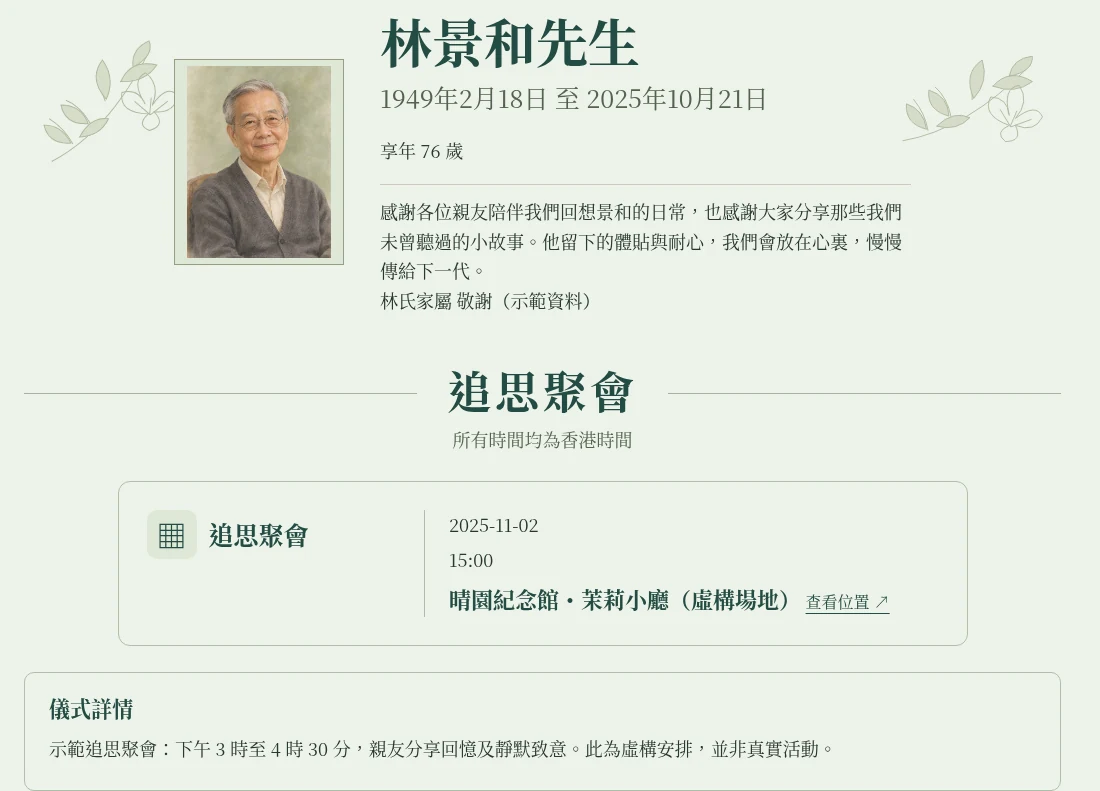
Begin with their name
Dates, venue and photographs can be added later. Your draft stays private until you publish.
Browse notices the families have made public →
Need to recover your notice?
Enter the email saved with your draft to request a private management link.
Common questions
Is the memorial page free? How long can it be used?
The memorial page feature is still being developed and is currently free to use. Each memorial page is available for one year from its creation date. You can check its expiry date in the family workspace. After expiry, the page is archived automatically and relatives can no longer view it through the sharing link. Family members can still sign in to the workspace to view its contents.
The memorial page is still being developed. Will my data be kept?
Yes. We will continue to improve the memorial page and ensure that every update preserves all your saved data, including drafts, photos and messages. When a memorial page expires, it will be archived automatically. Family members can still sign in to the family workspace to view it.
Will relatives be notified automatically?
No. You choose who receives the link. We do not send messages to relatives automatically.
Can access be restricted?
Yes. Choose restricted access and create a family viewing link. Access can be revoked at any time.
Can a published notice be changed?
Yes. Save your changes, then publish a new version. The public link stays the same. You can also unpublish at any time.
Can relatives and friends leave messages?
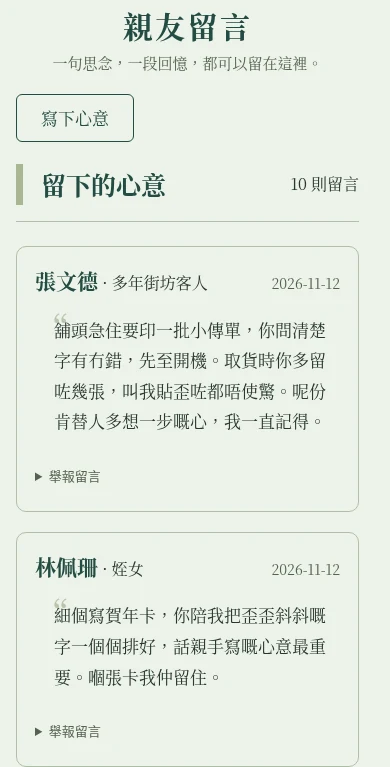
The family can choose to enable messages. Relatives and friends can leave a private message for the family, or submit a message for family review and publication on the memorial page after approval. The family can also stop accepting new messages. Messages already published remain available to read.
How does AI screen messages?
The system uses AI to screen messages initially. Messages that may contain abuse, harassment, spam or disclosure of private information are hidden for review. In the family workspace, the family can see why a message was flagged and choose to view the original or discard it. If the family considers the flag incorrect, they can approve a message originally submitted for public display. Messages intended only for the family remain private.